



#A free Markdown editor
One screen.It takes shape as you write.
No jumping between input and preview. Headings, nested lists and code differ in colour and shape, so the structure of a document is clear at a glance. You don’t need to learn all of Markdown — type / and pick from the list.

Free / no ads / no sign-in on Mac and Windows
Nothing to switch between
There is no second pane to look at. What you type takes shape right where you are typing.
No styling to adjust
There is no pass afterwards to fix how it looks. The marks themselves take shape.
No need to learn it all
#, - and / carry most notes. The rest you can leave alone.
##Online editor
No sign-up. Open, write, download.
Open a .md file from your computer or just start typing. Headings, tables and checkboxes format right where you write them. When you are done, Download saves a .md file.
What you write is not sent anywhere from this page. The downloaded file is the saved copy. An opened file is loaded as a copy, so the original never changes.
##Features
Write the note, and it comes out organised.
Input and preview, on two screens
Input
Preview
MarkMono, on one screen
## One screen
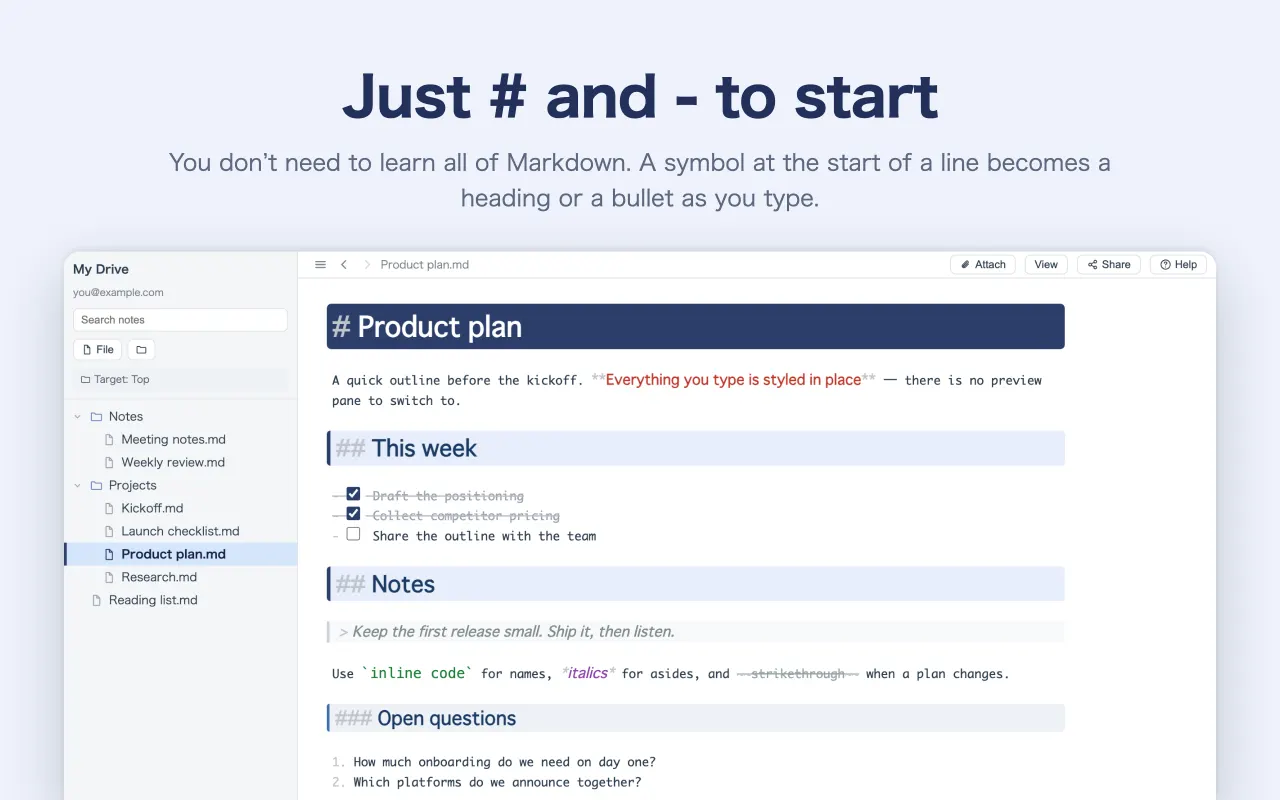
One screen, and it takes shape as you write.
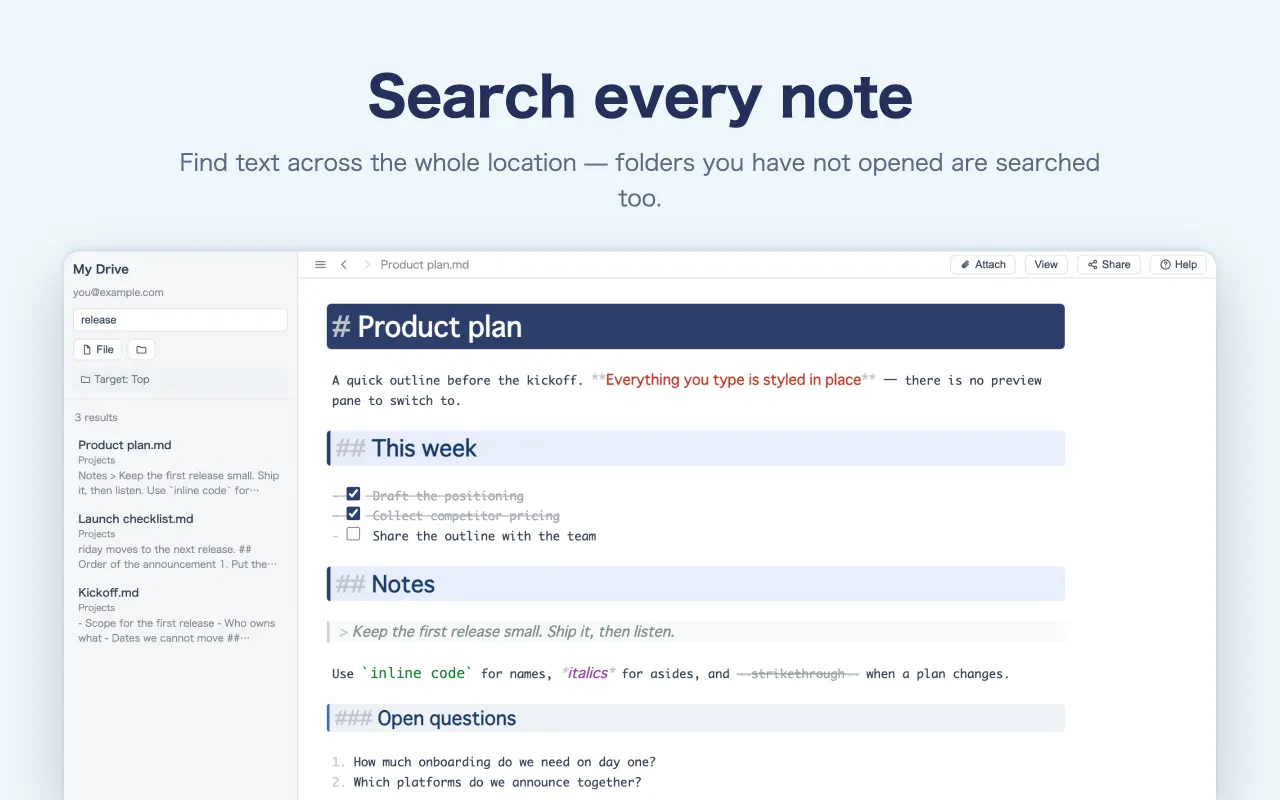
Markdown editors usually give you an input pane and a separate preview. MarkMono shapes the text where you type it, so you never look away to see the result.
- Type
#and that line becomes a heading - Notes are saved as you write — there is no save button
- No tidying up the look after you finish
## Structure
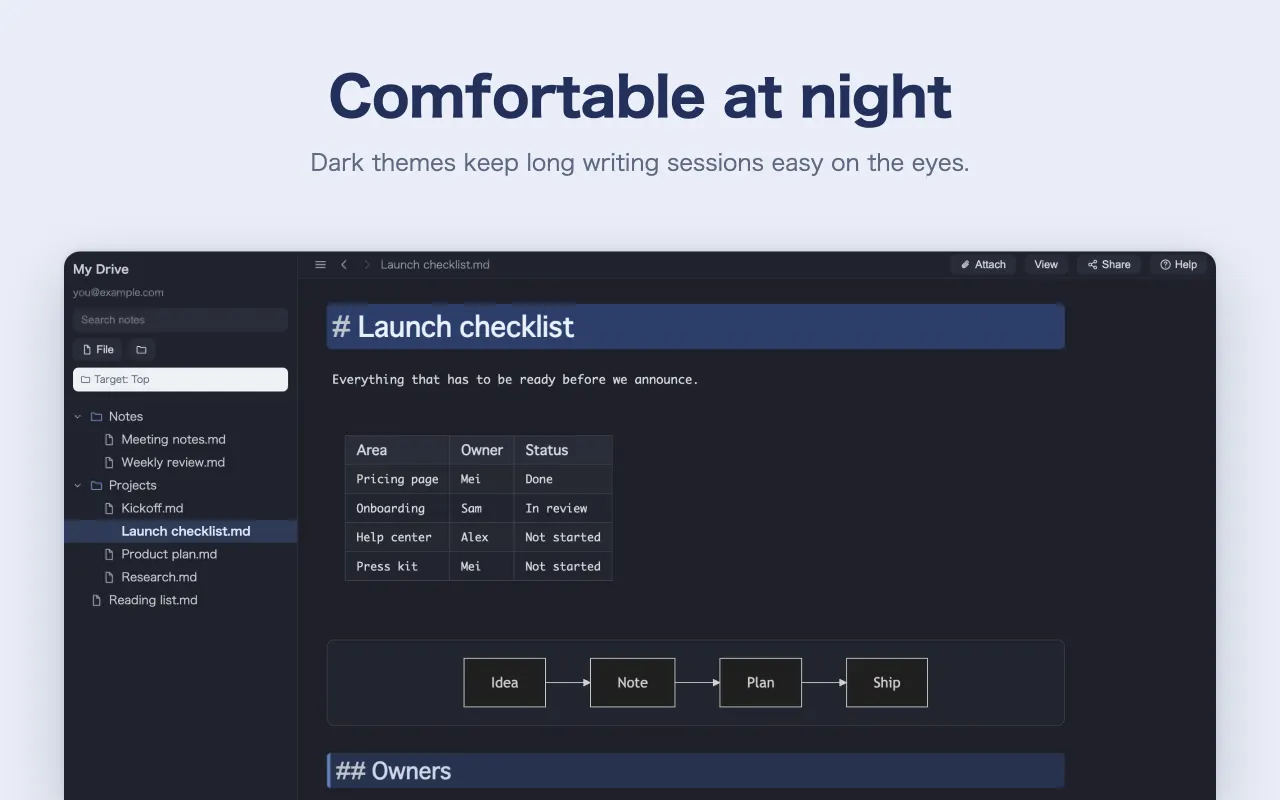
Colour and shape show the structure at a glance.
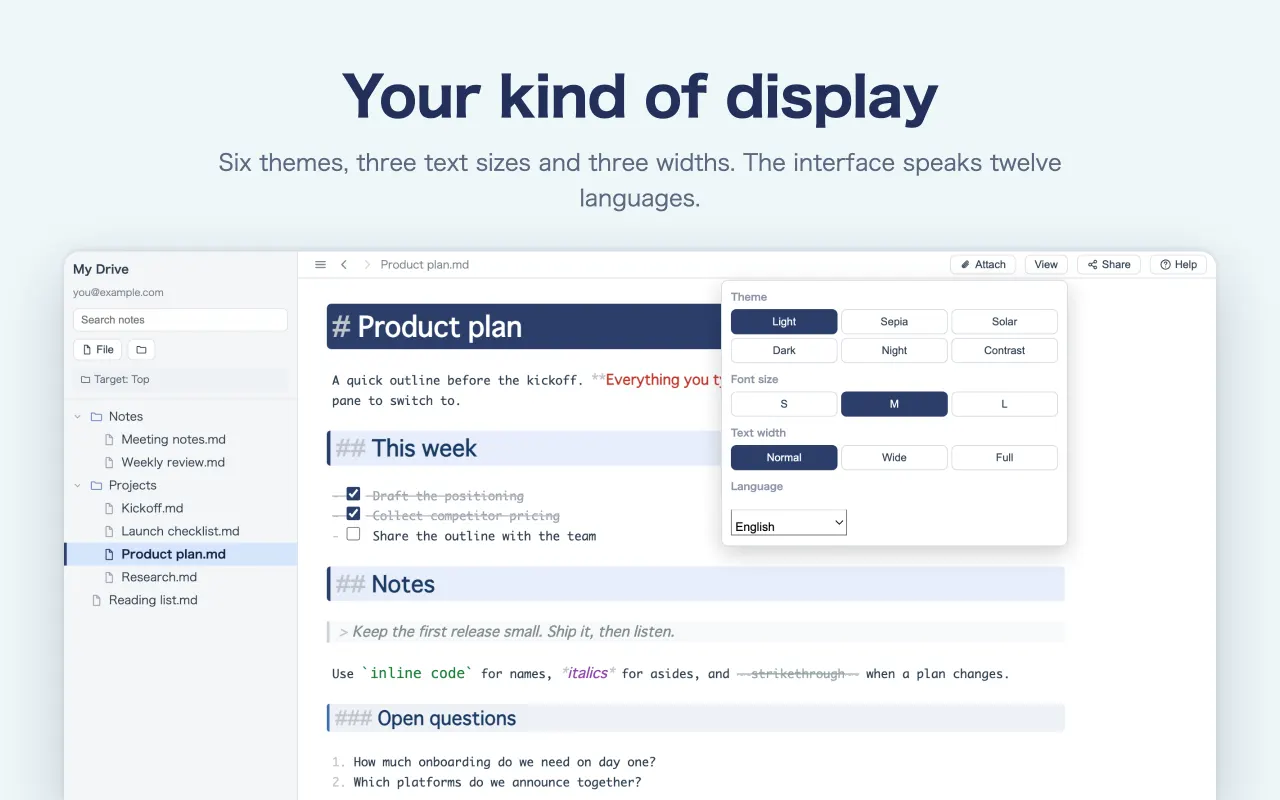
Headings get bands that deepen with the number of #, nested lists change colour with each level, and code stands apart from the text. Pick from six themes.
-
#is a solid band,##a pale one — depth reads as colour - Nested bullets change colour per level, so a group of sub-tasks stands out
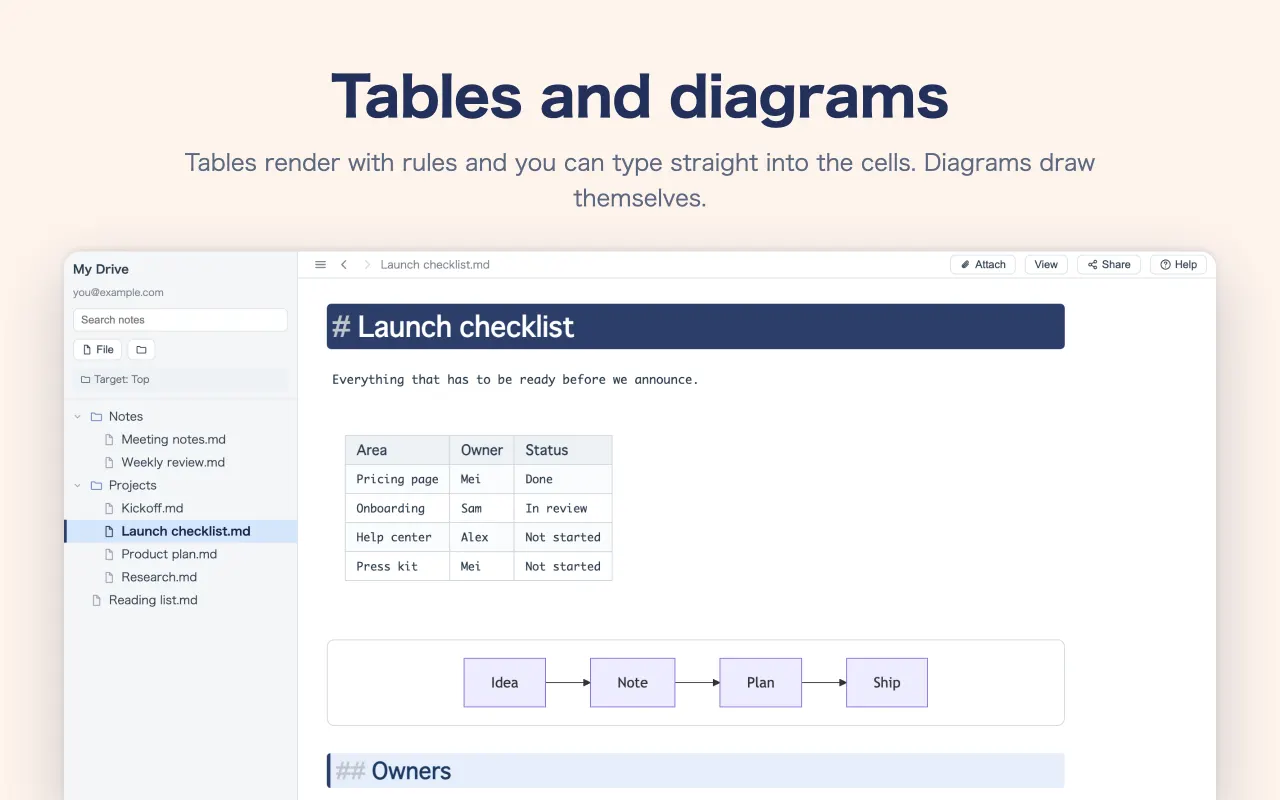
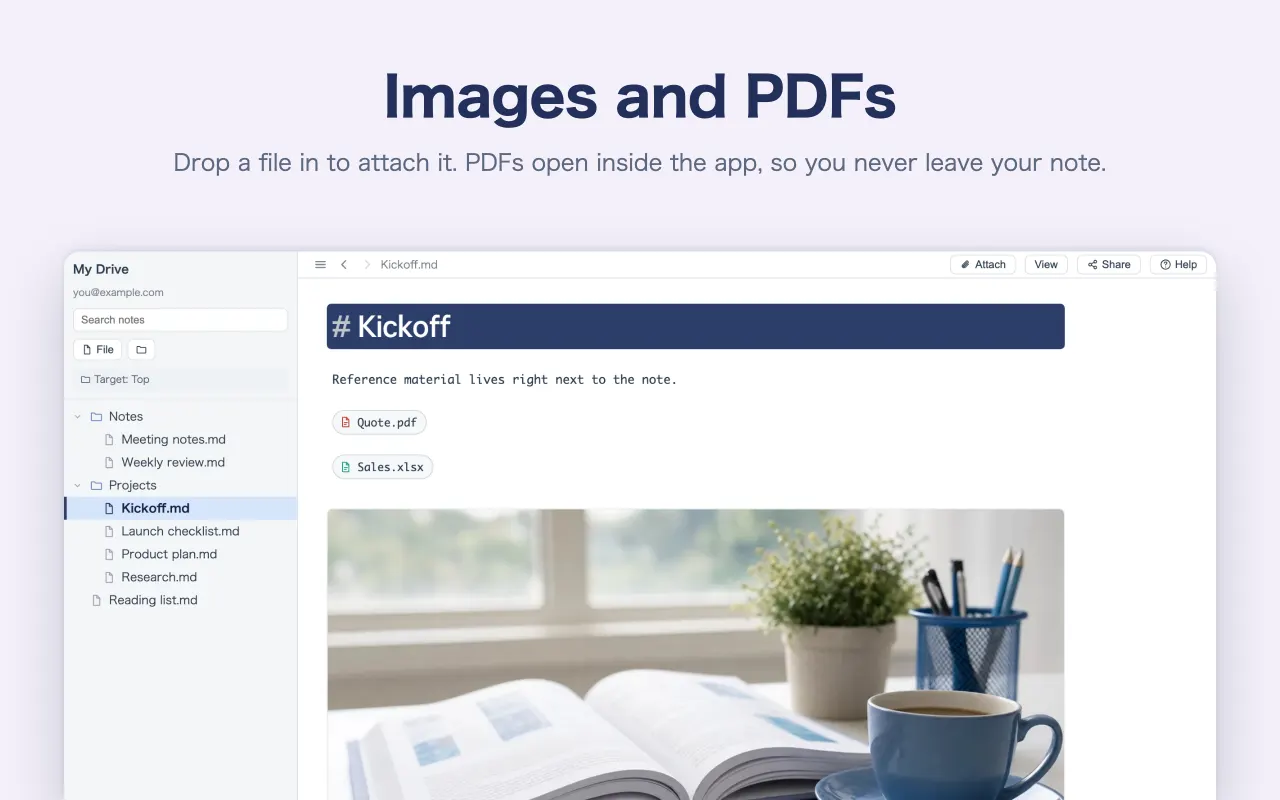
- Edit a table right in its cells and attach an image by dragging it in
## Typing
Nothing to memorise. Just pick from “/”.
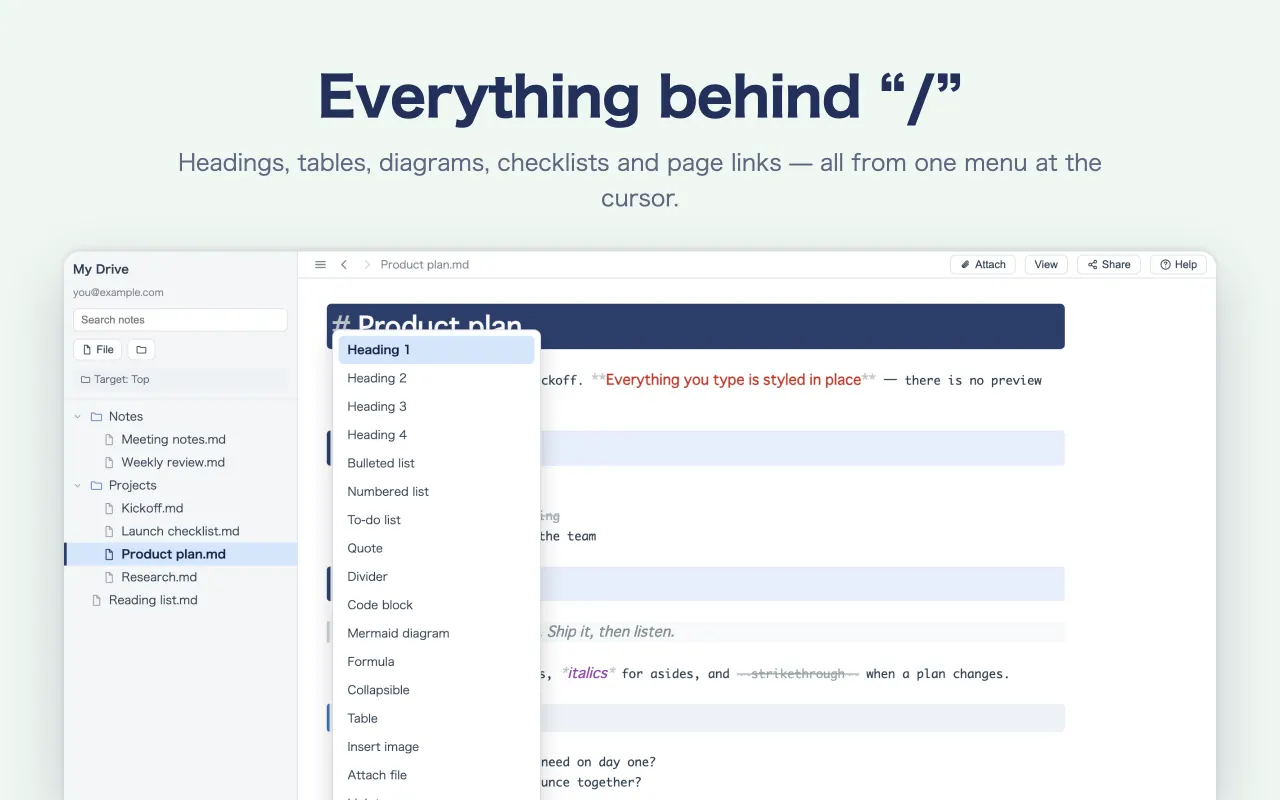
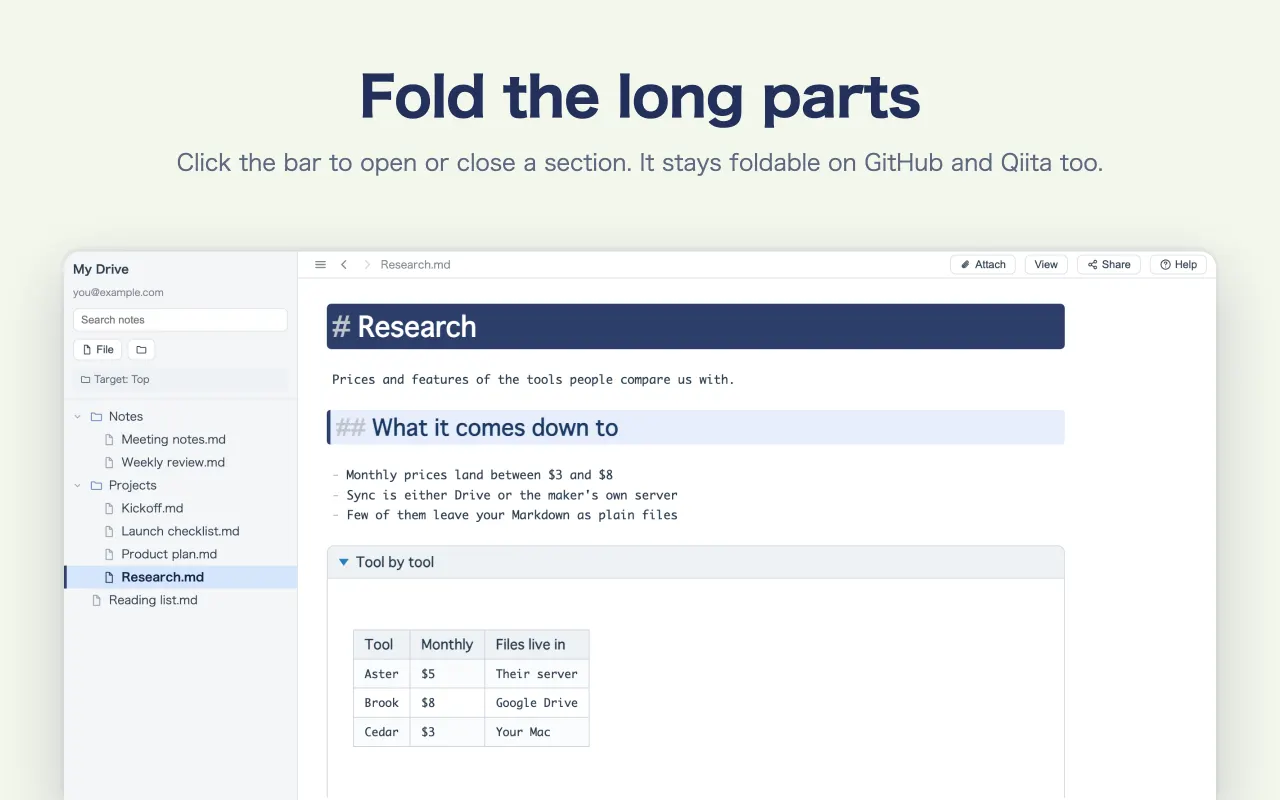
Type / at the start of a line and a list appears: headings, bullets, tables, code, diagrams, formulas, folds and more. You don’t need to know all of Markdown, and you never adjust the look yourself.
- Headings 1–4, bullets, numbered lists, tasks, quotes, dividers
- Code, diagrams (mermaid), formulas, folds, tables
- Attach images and files, or link to another page, from the same list
## Where it lives
Your own files, or Google Drive.
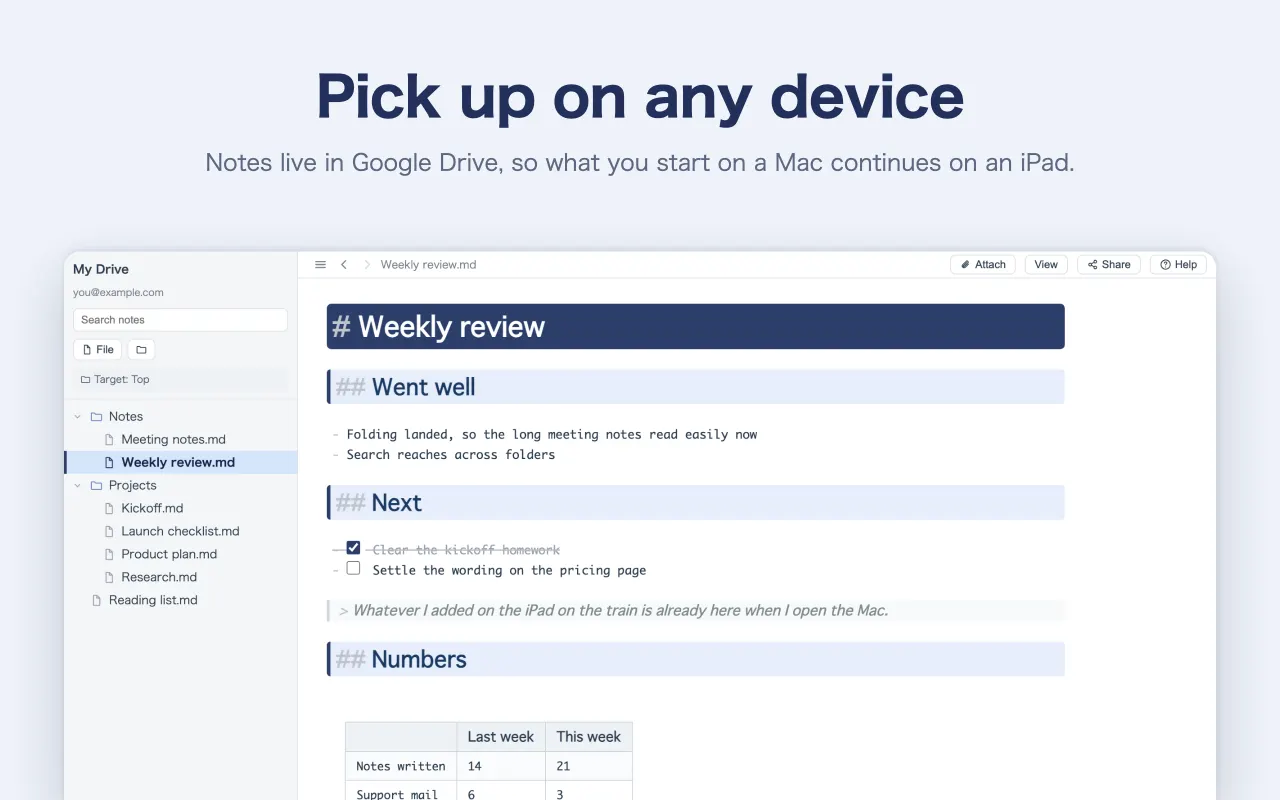
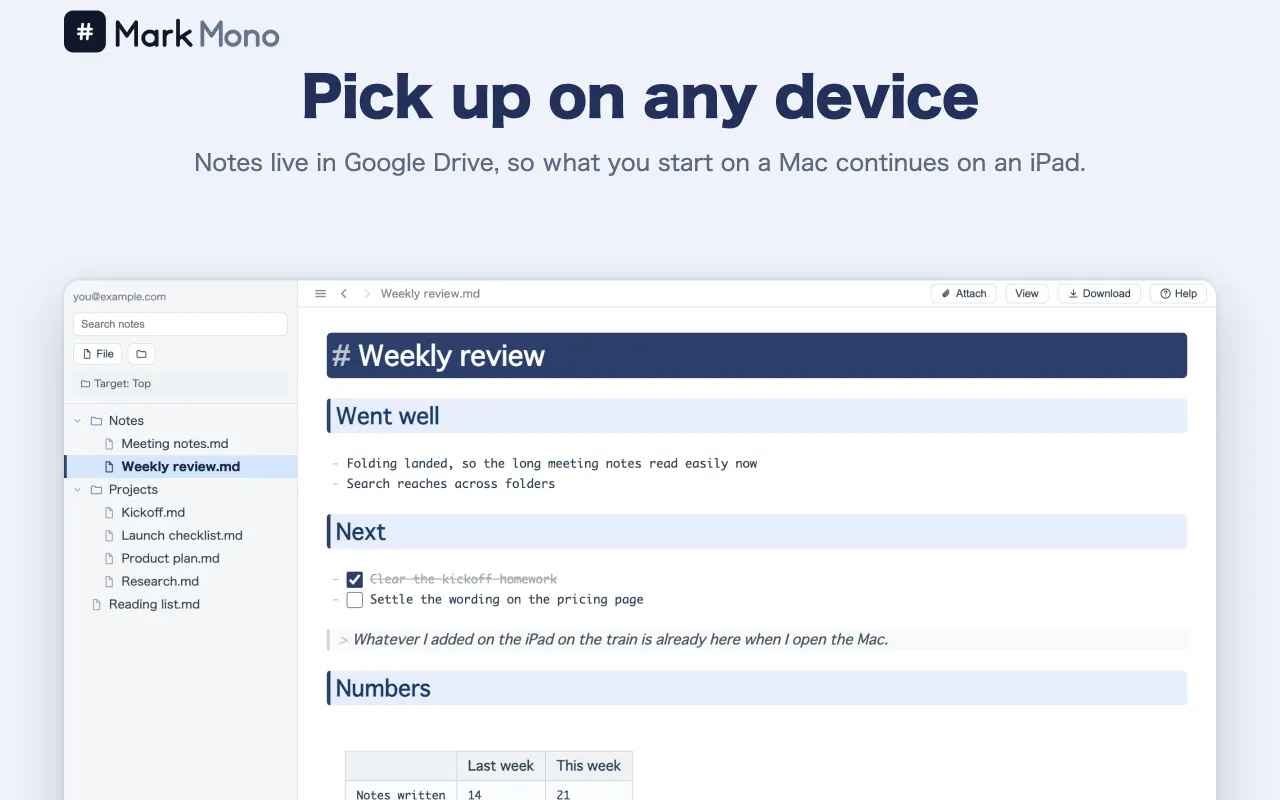
On Mac and Windows you can edit the Markdown (.md) files already on your computer, as they are. Connect Google Drive and the same note opens on any device, saved in your Google Drive.
- Mac and Windows open a folder on your computer — no sign-in needed
- iPhone and iPad save inside the app or to Google Drive; the browser version uses Google Drive
- The content is a plain .md, so it pastes into a GitHub README, Qiita or Zenn as it is
## AI
Ask AI, right where you write.
Add your own API key (OpenAI, Anthropic or Google Gemini) and ask AI without leaving the note. Check the answer before it goes in, and undo it in one step.
- Polish, shorten, translate, or turn the selected text into a table or a diagram
- Turn the whole note into meeting notes and to-dos, or a summary
- Your key stays on this device; usage is billed by the service (Mac, Windows, iPad, iPhone)
See it in action.
The very screens from the App Store listing. Swipe through to see how it writes and what it can do.
##Questions people ask
- Is it really free?
- Yes. No charge and no ads. Files stay in a folder on your computer or in your own Google Drive, so there is no storage for us to pay for, which is what makes it possible.
- Can I use it without knowing Markdown?
- Yes. Press
/and the tools appear, so tables and checklists go in without knowing the syntax. When you want to learn it, “What is Markdown?” has the whole set. - Can anyone see what I write?
- No. On Mac and Windows with a folder on your computer, the files never leave that machine. With Google Drive, they are saved to your own Drive and this app is only allowed the files it created and the ones you hand it through “Open with” — it cannot look around your Drive.
- Can I open Markdown written in another app?
- Yes. On Mac and Windows, open the folder and any
.mdwritten in another app can be edited as it is. With Google Drive it goes one file at a time: right-click the file in Google Drive and choose MarkMono under “Open with”. - Can I read a note from the Mac on my iPhone?
- Yes, if you keep it in Google Drive. The same note opens on Windows, Mac, iPad, iPhone and the browser, so you can read it back on the train and carry on writing. Files in a folder on your computer stay on that computer.

Write one line and see.
Nothing to install — try it straight from the browser. Sign in with Google and the notes are created in your own Drive.
Free / no ads